The Challenge
Octane has a lot of features and settings, and figuring out how to use them inside Houdini isn't always straightforward. Knowing what a setting does is one thing; knowing when to use it and how it affects your render is another.
That's where examples help. Being able to follow a setup and see what changes as you adjust things makes it much easier to understand what's going on.
My Contribution
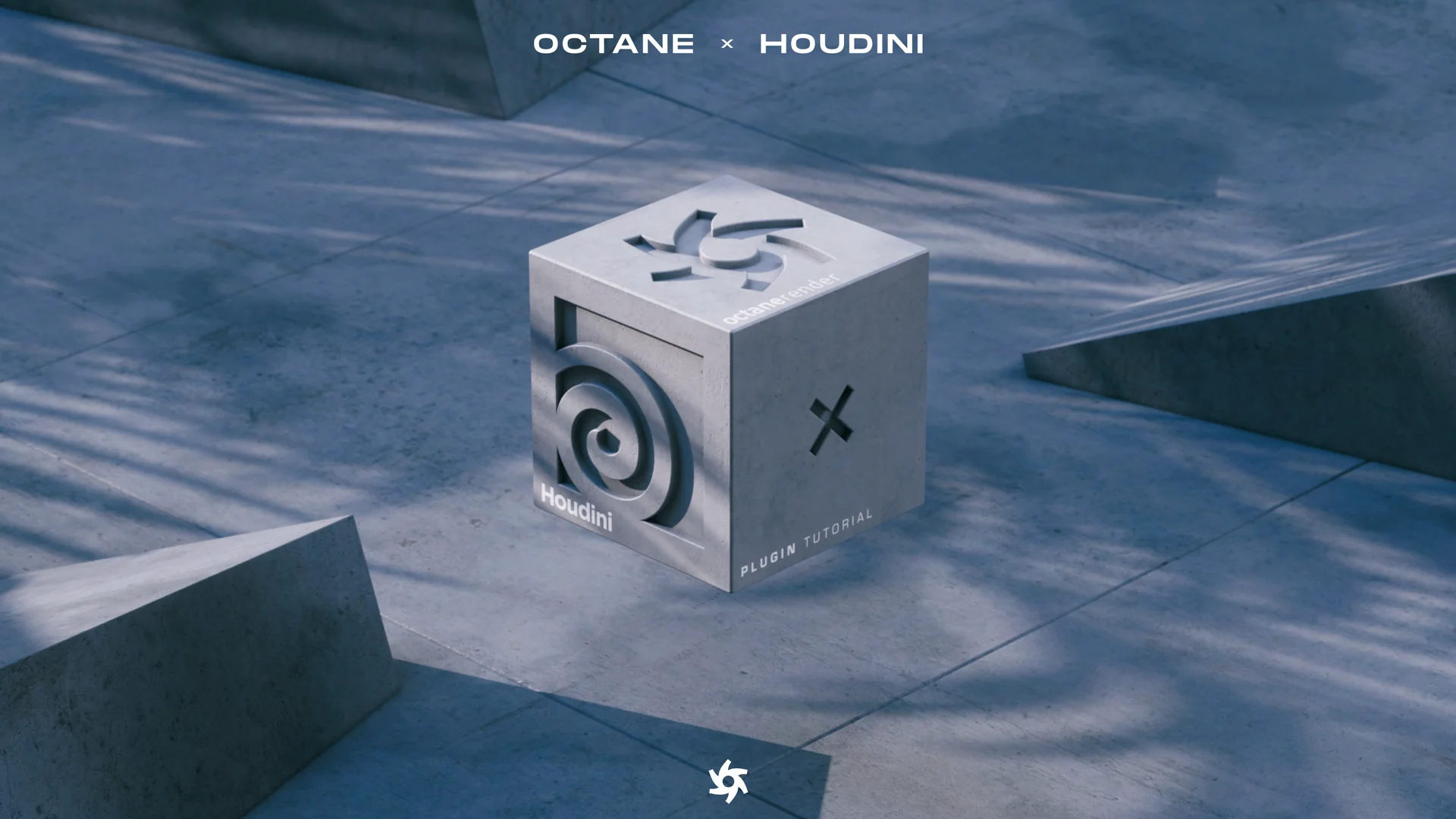
At OTOY, I made a series of tutorials covering OctaneRender for Houdini. Each video focused on a feature or workflow, with examples showing how it works and what difference it makes to the render.
Some of the topics came directly from user support. If the same question kept coming up, it made sense to make a video showing the setup and explaining the parts people were getting stuck on.
I handled the technical research, built the examples, planned the lessons, and recorded and edited the videos. The idea was pretty simple: explain the feature, show it in use, and give people enough context to try it in their own scenes.
Alongside the videos, I maintained an Octane for Houdini FAQ. It covered common questions and added explanations to go with the main documentation.
The Result
The videos are published as an OctaneRender for Houdini training series. They cover a range of features and workflows, including answers to questions that came up while helping users.
You can find the full series here: